Linking a Bandai Namco ID
ACCESS THE Bandai Namco ID WEBSITE
Click "here" to open the Bandai Namco ID website.
If you do not yet have an account, please click "Sign Up".
SIGN UP
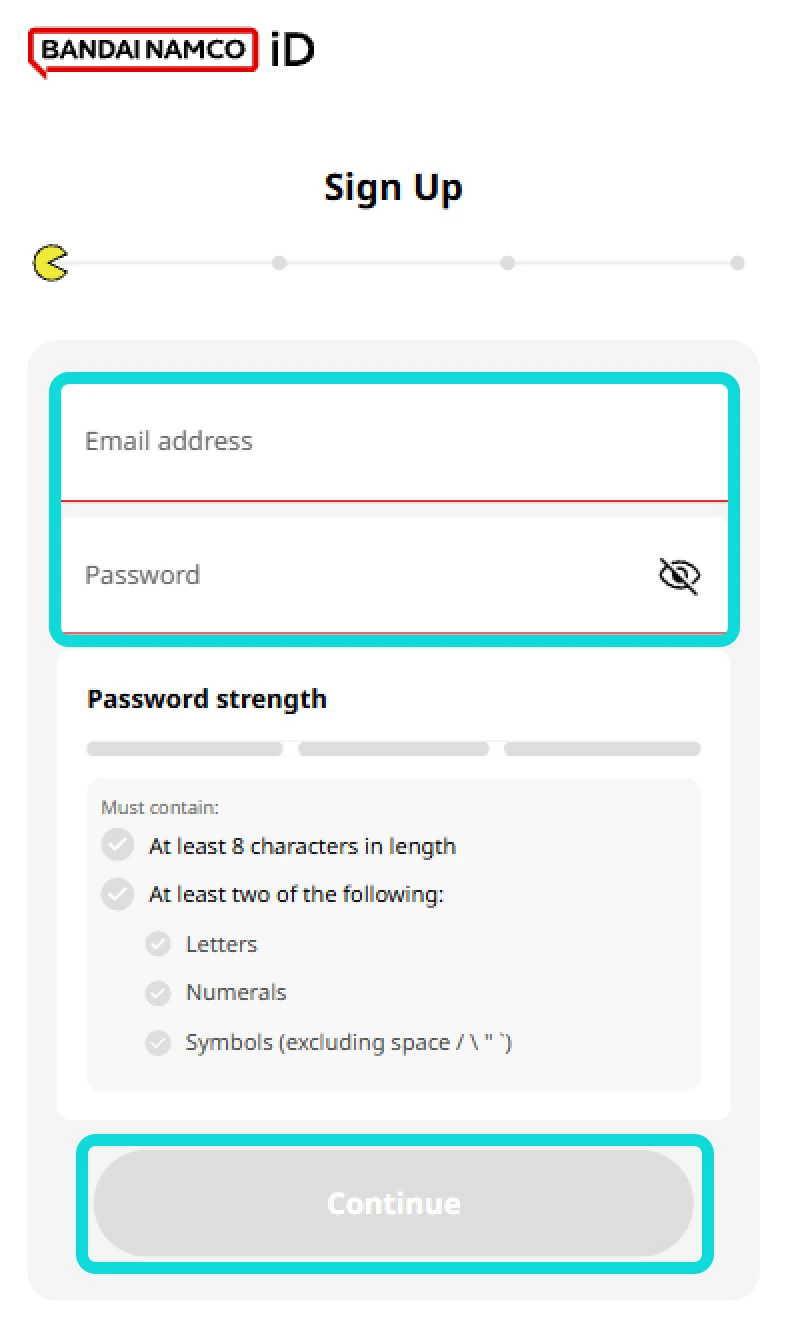
2.1- Without registering using another service, enter your email address, choose a password, and confirm your password. Then click "Next".
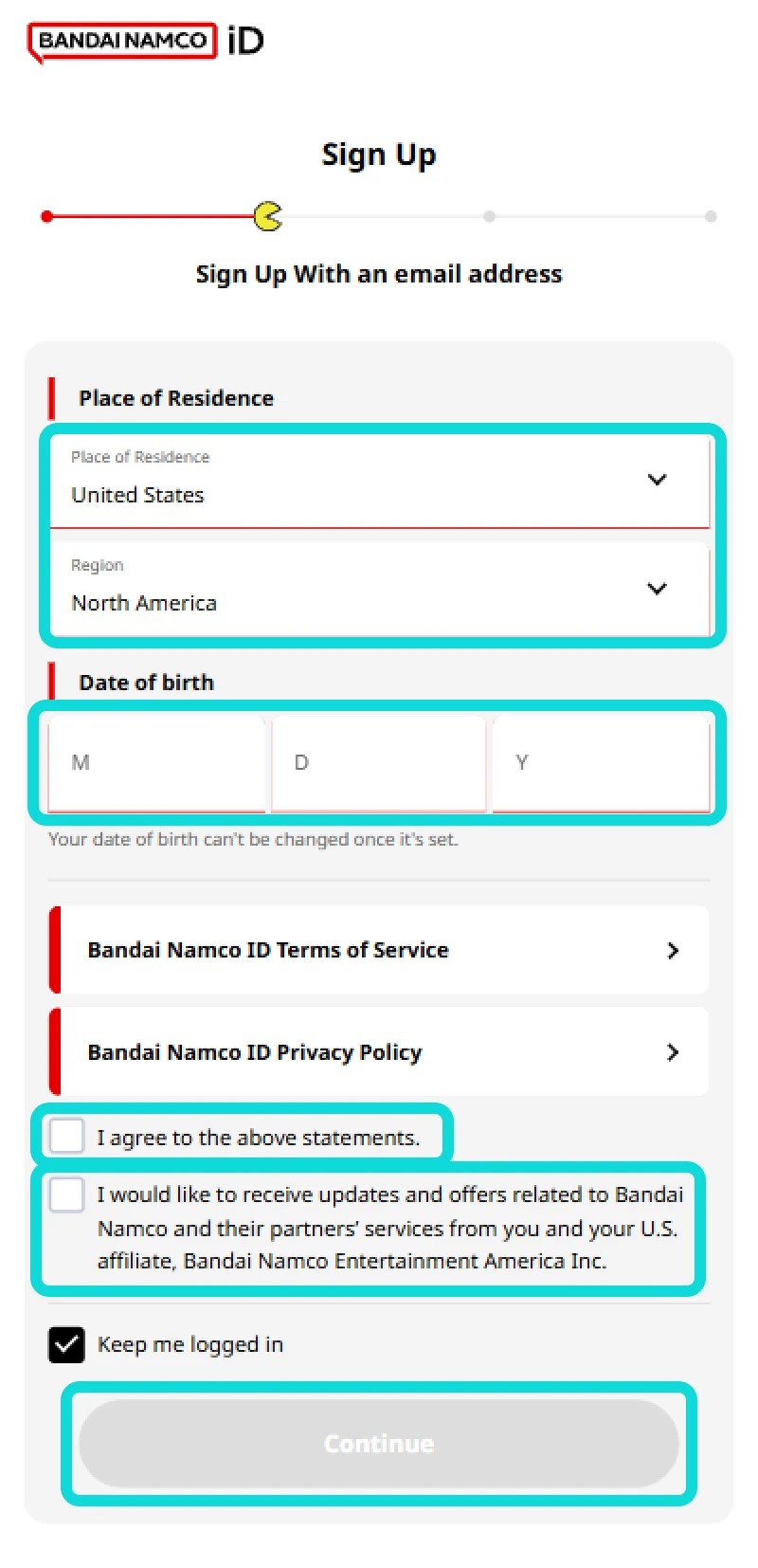
2.2- Select your "Place of Residence" and add your "Date of Birth".Please ensure your place of residence and date of birth are correct, as they cannot be changed after registration is complete. Then, agree to the ToS by checking the box in the bottom left. Proceed by clicking "Continue".
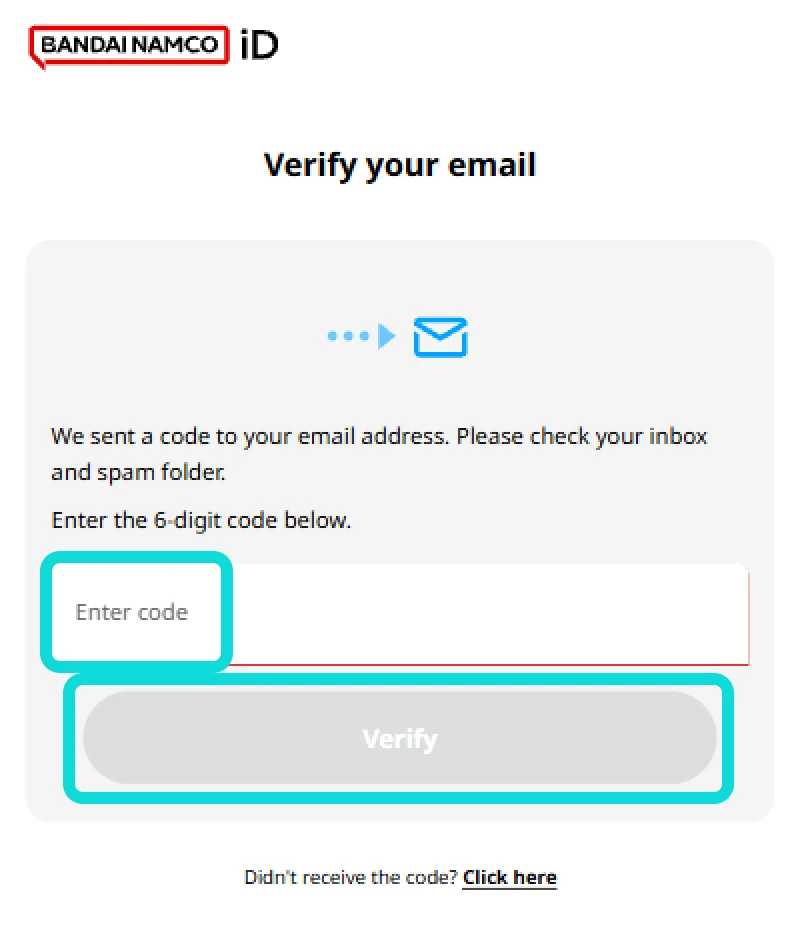
2.3- An code will be sent to your email within a few minutes. Copy and paste it into the "Enter Code" field. After that, proceed by clicking "Verify".
2.4- You have now successfully created a Bandai Namco ID. Check the following items according to your preference, then select "Accept All".
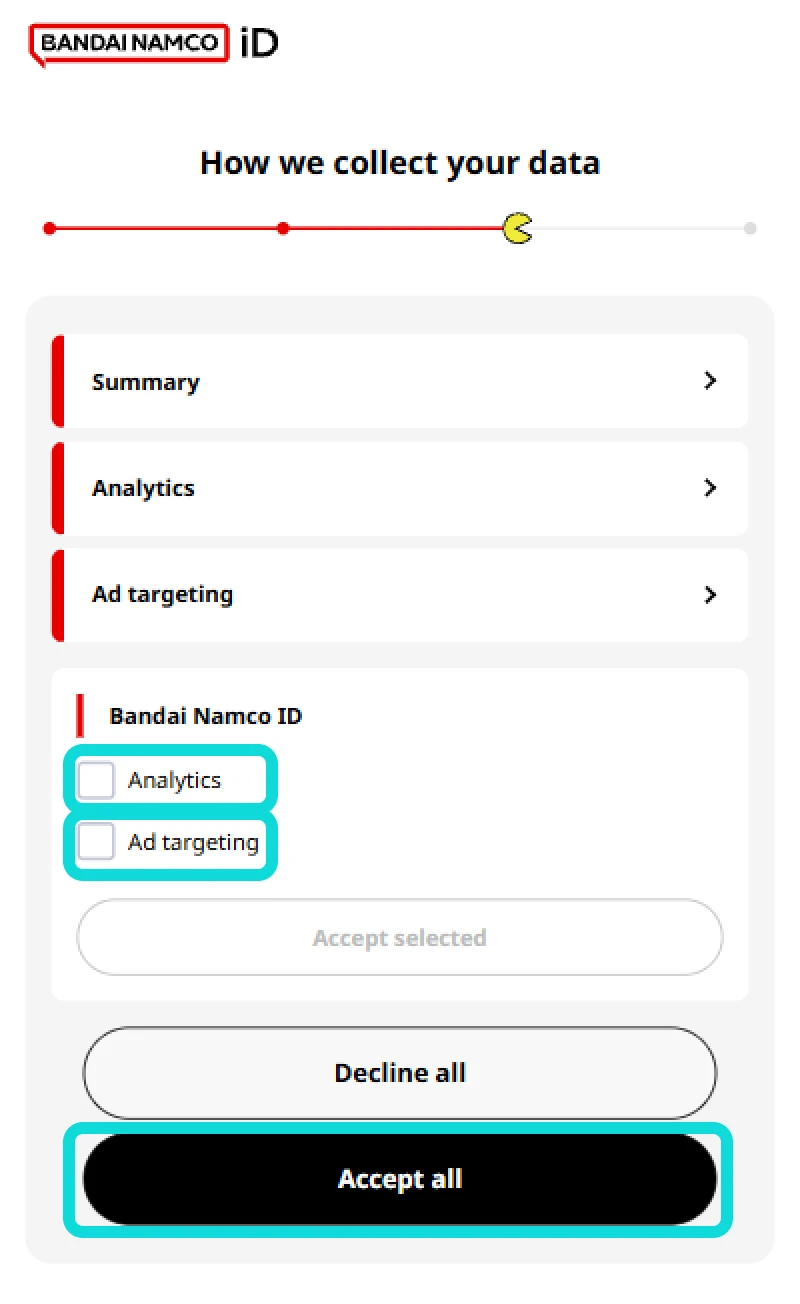
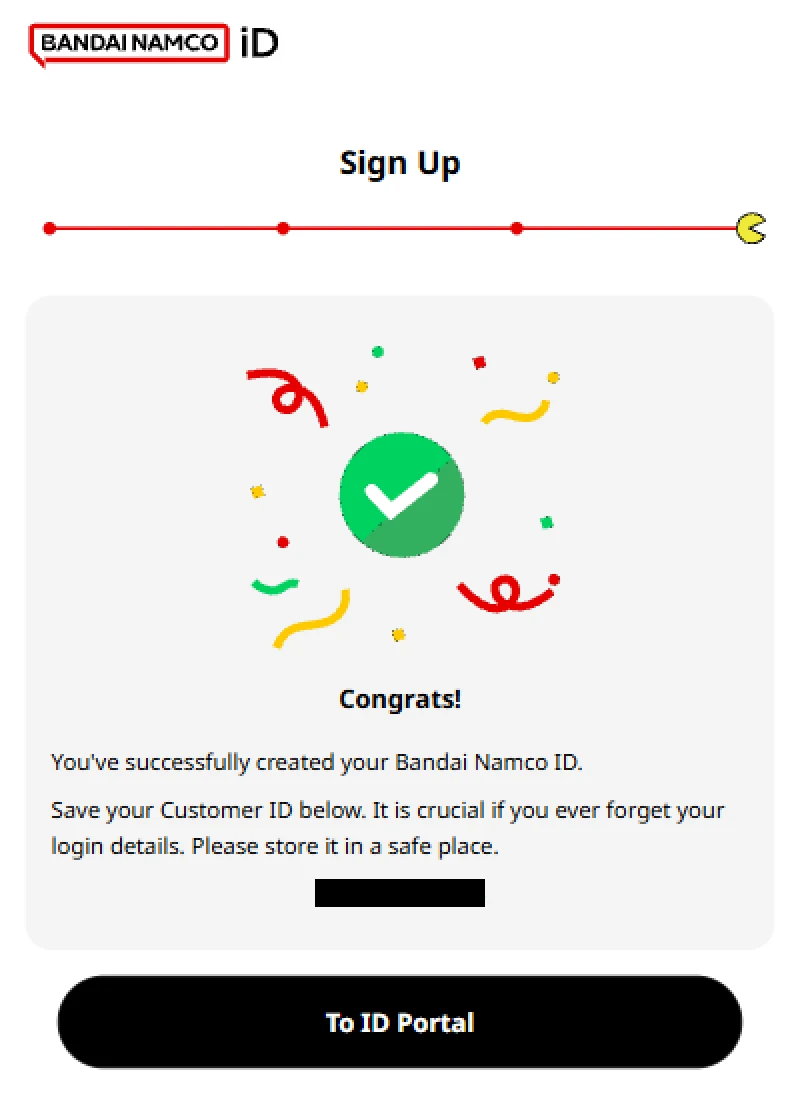
Congratulations, you have finished setting up your Bandai Namco ID!
Linking a Bandai Namco ID to DRAGON BALL LEGENDS for Data Transfer
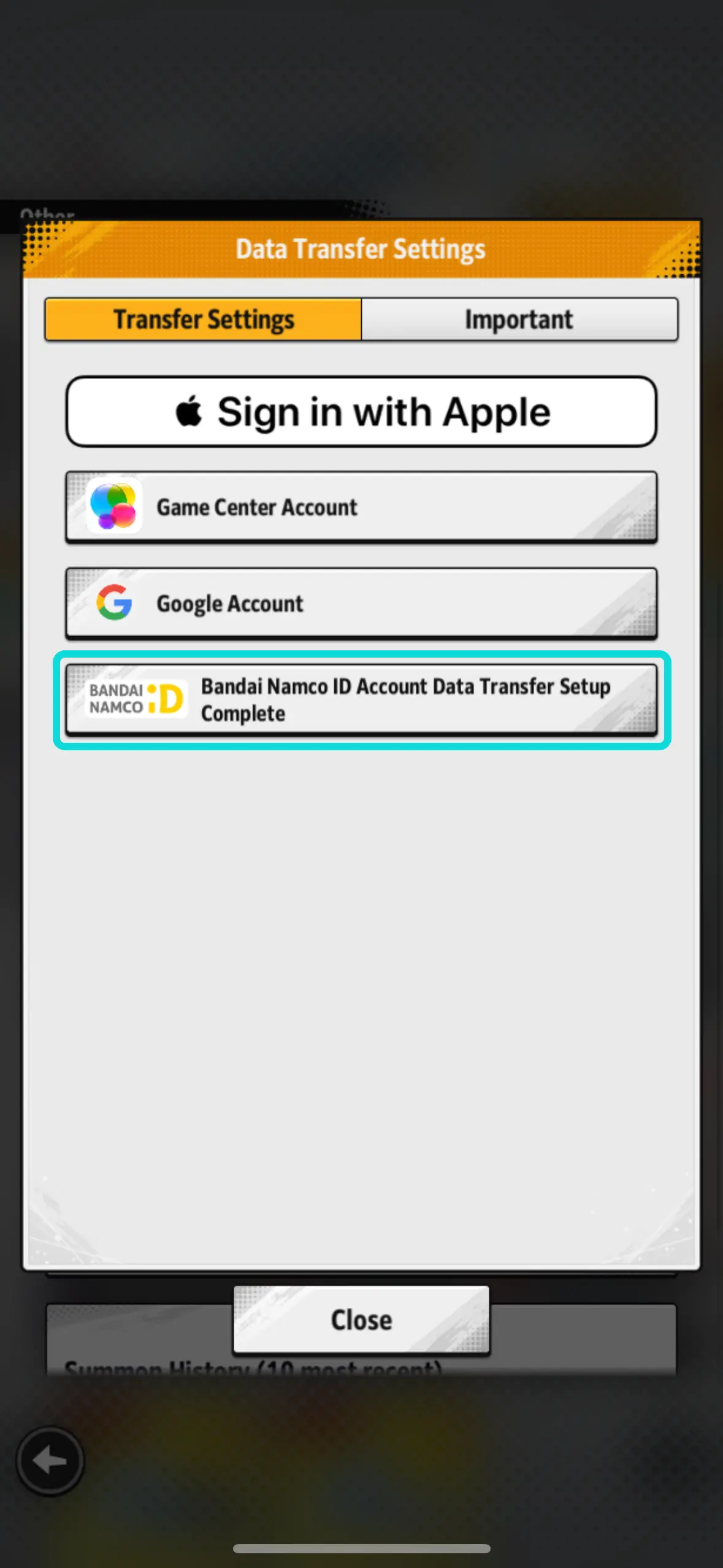
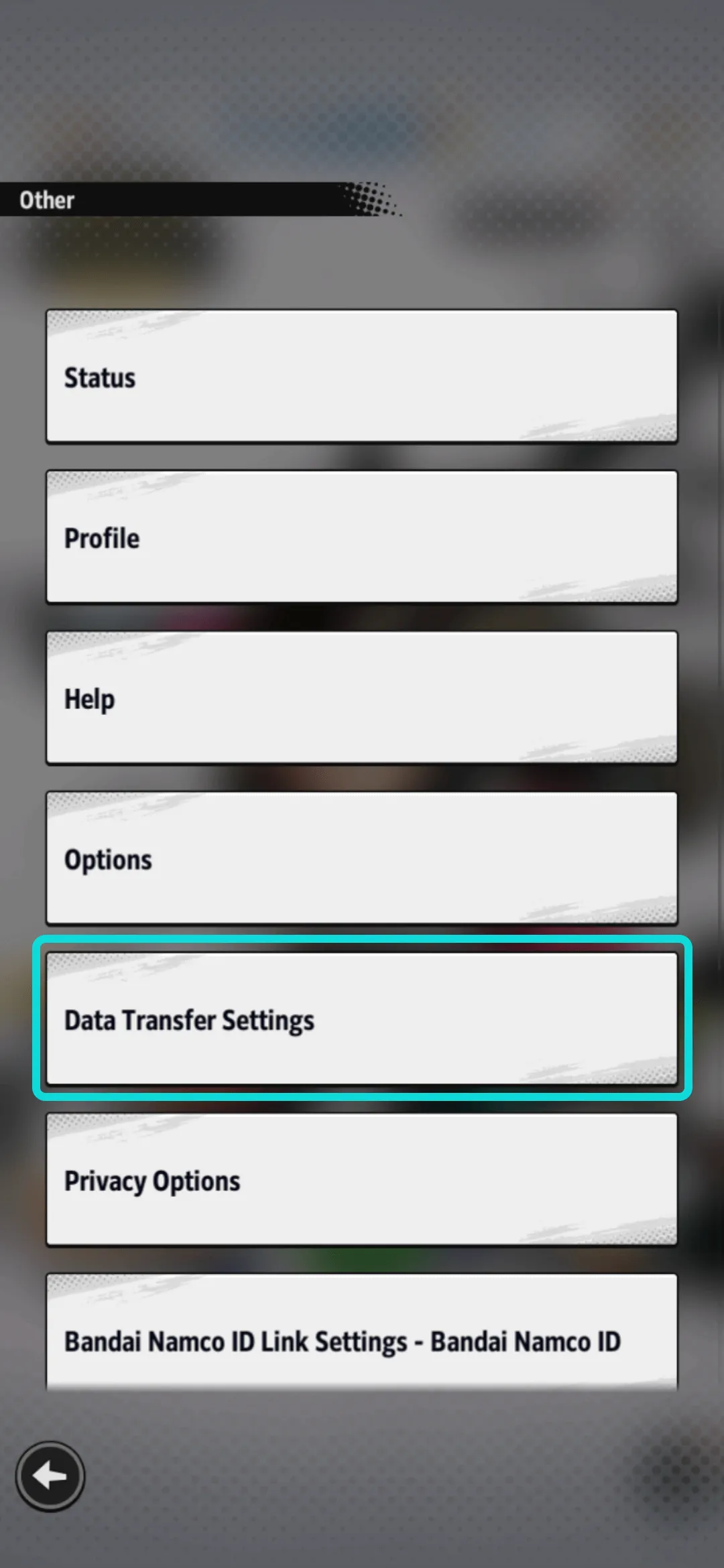
3.1- Navigate to "Other" and select "Data Transfer Settings" through the in-game menu.
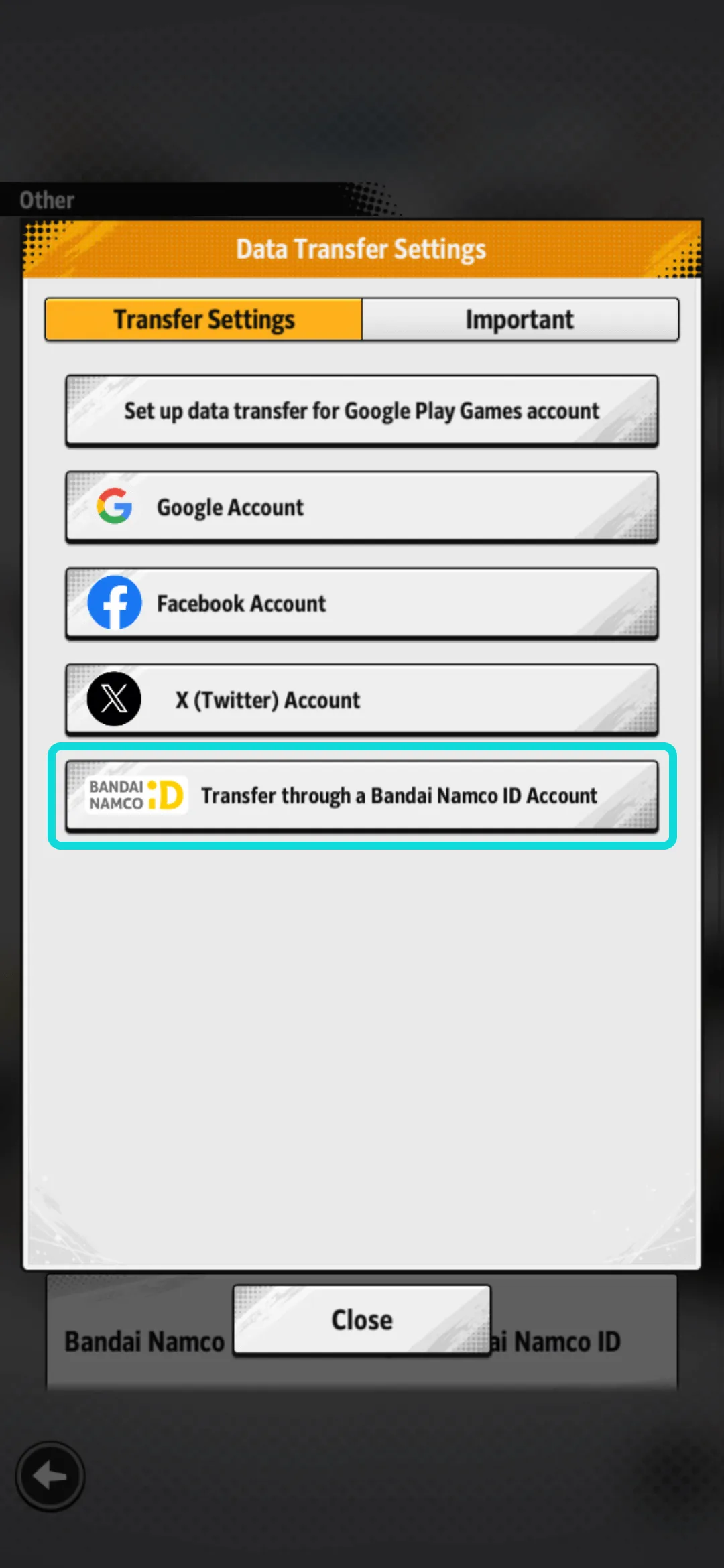
3.2- Select "Transfer through a Bandai Namco ID account".
3.3- Log in with your Bandai Namco ID.
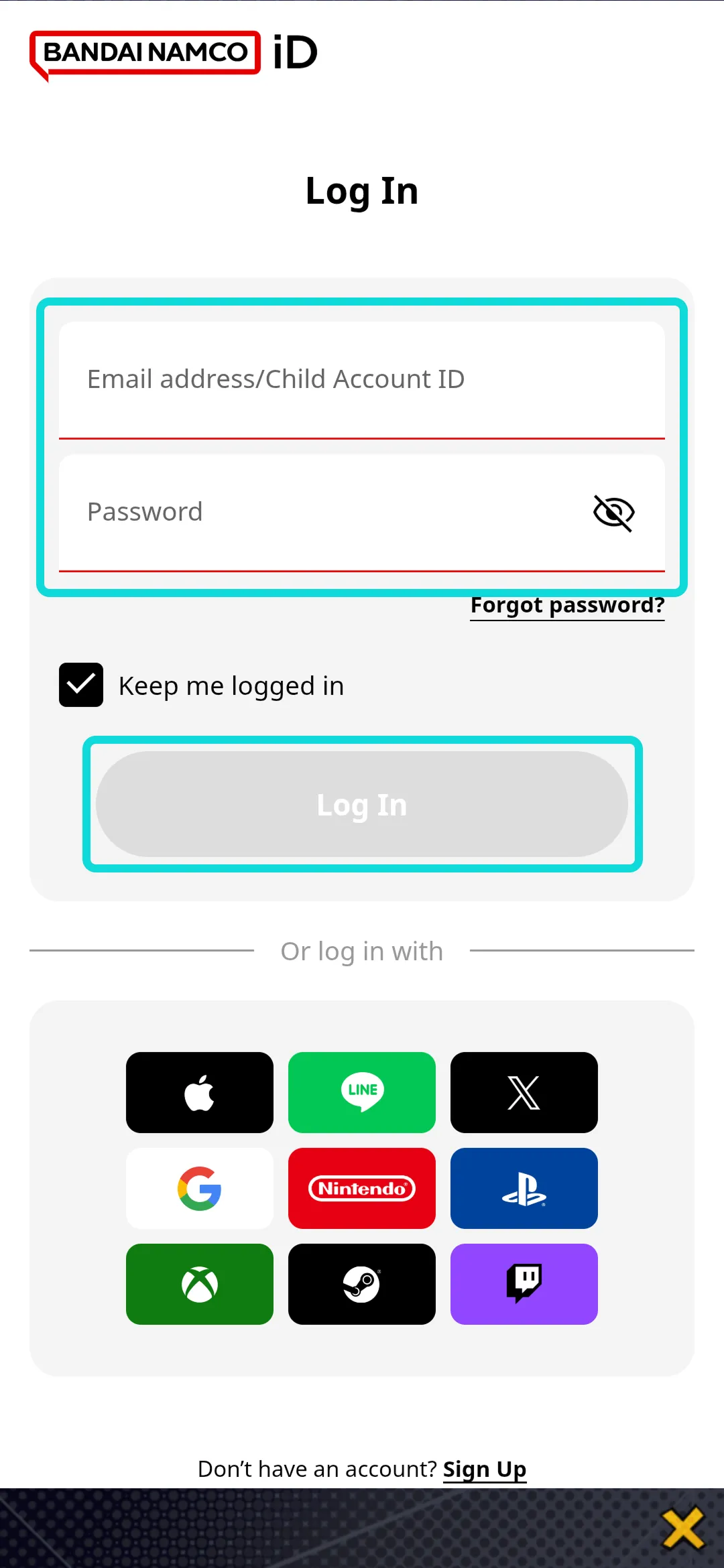
3.4- Once you've successfully logged in, data transfer settings for DRAGON BALL LEGENDS using a Bandai Namco ID will be complete.