How to Use the Bandai Namco EntertainmentWeb Store
Instruction Video
FAQ
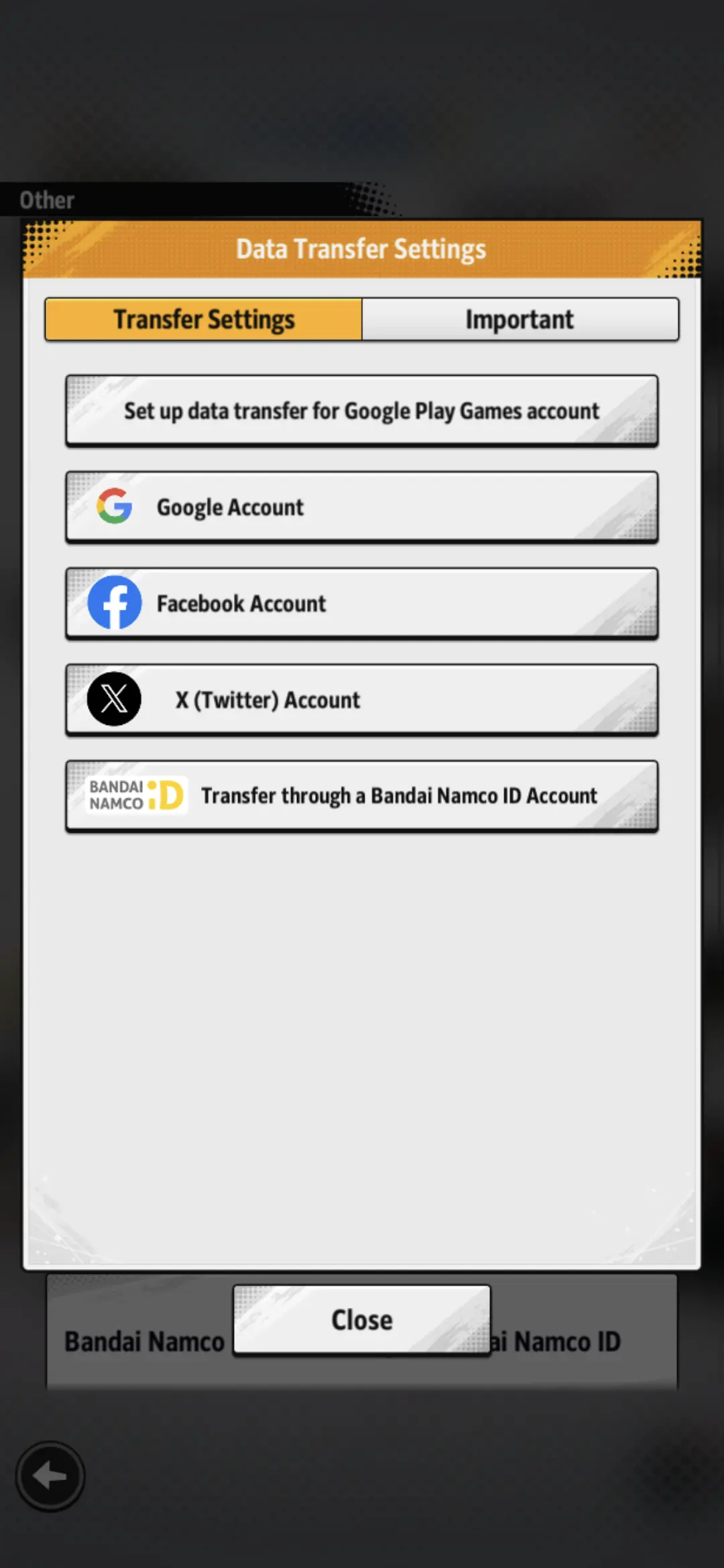
What do I do if I can't log in to the Web Store?
Your in-app account may not be linked.
Please check that you have configured "Data Transfer Settings" rather than "Bandai Namco ID Link Settings".
You can also check the steps needed for linking your account on the official DRAGON BALL LEGENDS website under"Linking Your Bandai Namco ID".
False
Bandai Namco ID
Link Settings
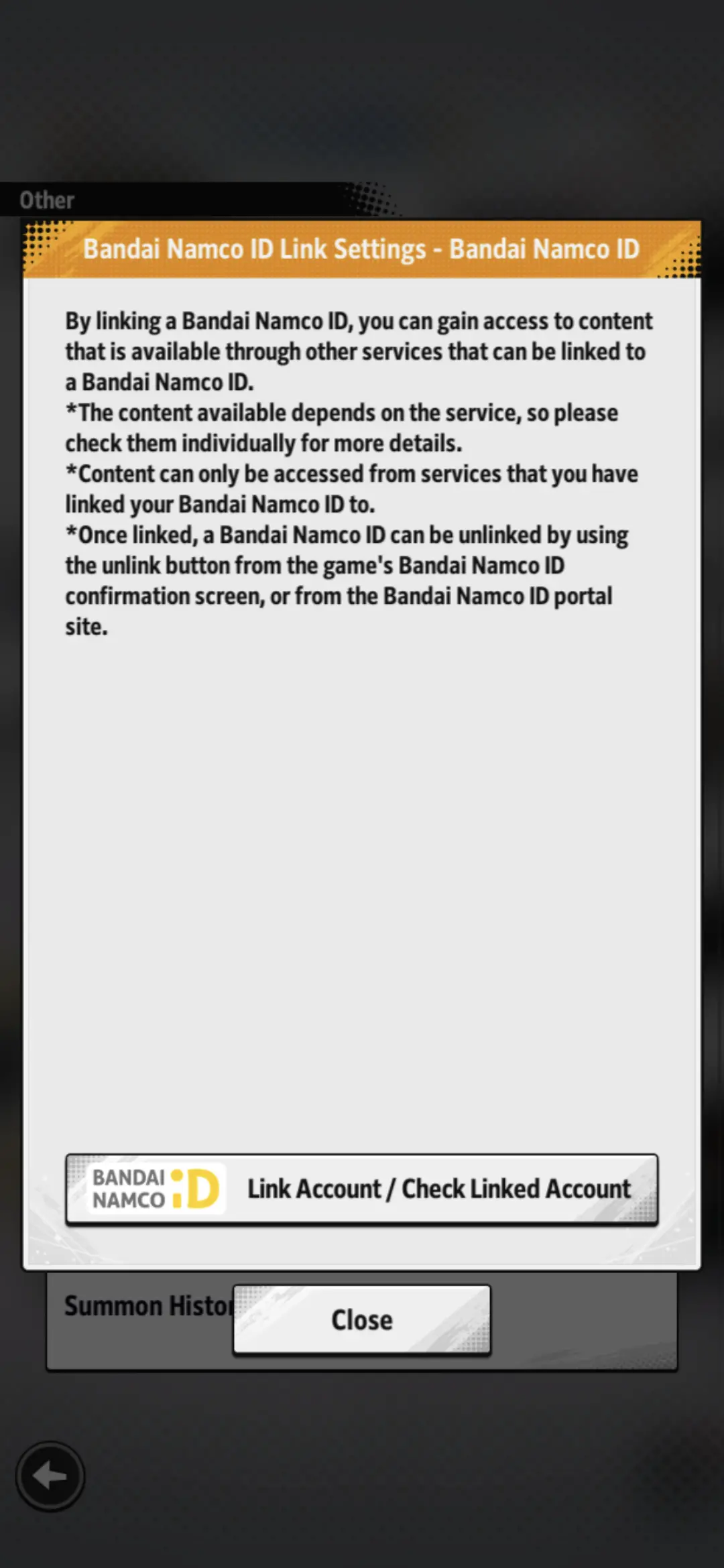
True
Data Transfer Settings
What do I do when I open the app and can't find the item I purchased from the Web Store?
You can receive purchased items by going to the "Shop" screen in-app.
If you are unable to receive an item, please wait a moment, restart the app, and try going to the "Shop" screen again.
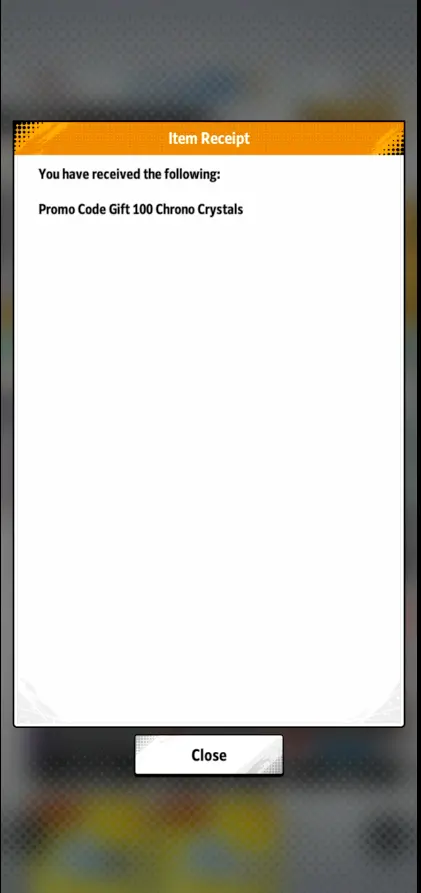
What are promotion codes?
Promotion codes are special codes you can enter on the Web Store to get in-game items such as Chrono Crystals.
Future videos and more will include promotion codes, so don't miss out!
For other questions related to the Web Store, please refer to the FAQ site below.
https://bnfaq.channel.or.jp/title/3145- *Content of deals varies between regions.
- *Some countries may not be supported.
- *Some products may have purchase limits.
- *It may take a while for your purchase to be reflected.
If you do not receive the items even after visiting the "Shop", please try restarting the app after waiting a short period of time. - *Promotion codes can only be used once per account.